- Navigate to the Admin section of the Subbly dashboard. Select Storefont API Keys from the sidebar.
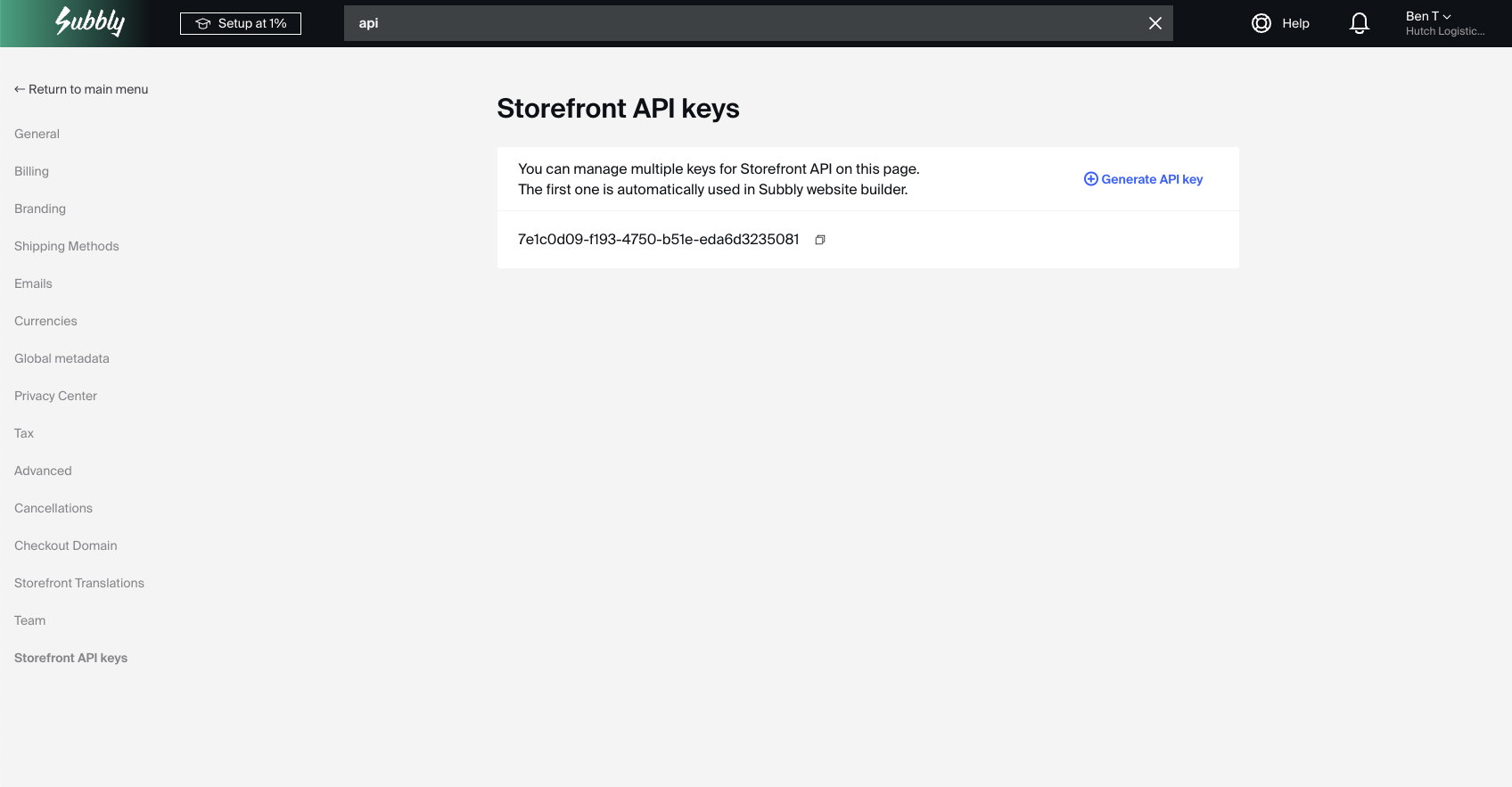
- Press Generate API Key and copy the new API key which will be generated
- Once you have these credentials, navigate to Settings > Integrations within the Pimento dashboard, and press Connect within the Subbly section.

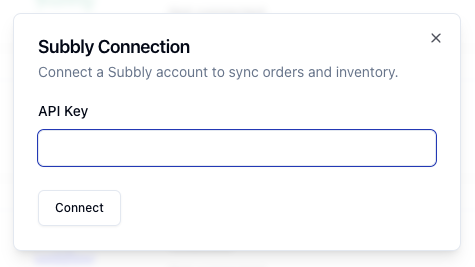
- Enter your API Key in the popup and then press Connect. Your Subbly store is now connected to Pimento.